WhatsApp RSVP form: a guest list you can search

Founder
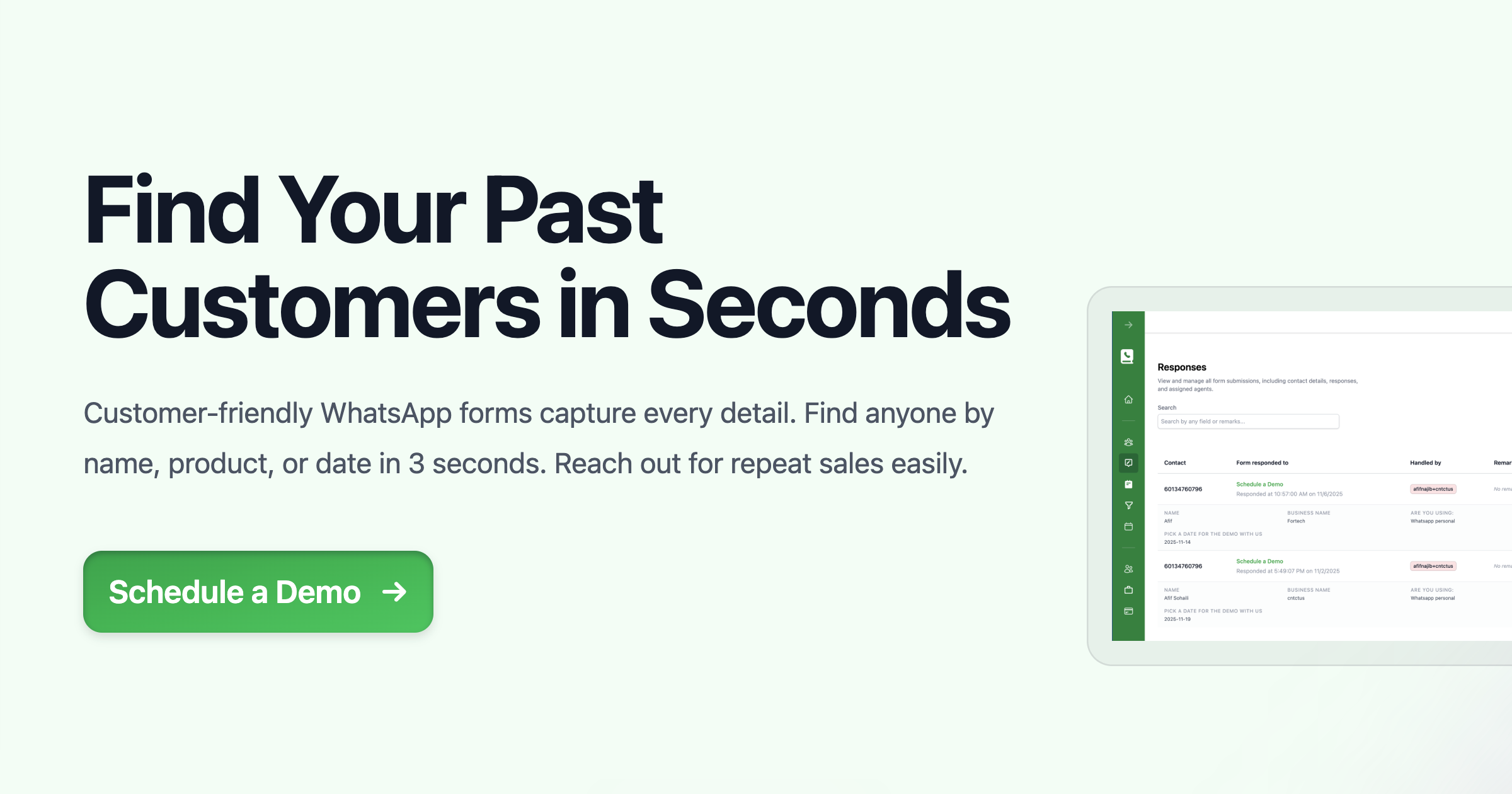
A WhatsApp RSVP form is a short form that collects who is coming before the event and then opens a chat with the reply already written. Attendance, party size and dietary needs save as a guest record, so the final count does not depend on scrolling a chat thread.
The useful part is not the invite. It is the handover: a chat reply tells you one person answered, while a form tells you what they need and keeps it in a list you can search when the caterer asks.
Why a chat-only RSVP falls apart
An invitation sent to forty people can produce forty separate chats. Some reply yes, some reply with a question, some reply to the wrong message, and a few never answer. Nothing adds up.
- The count lives in your head. You scroll, count emojis, and lose track of who was a plus-one.
- A maybe is not a number. "I will try" cannot be ordered against, so the caterer gets a guess.
- Details arrive twice. The guest answers in the chat, then answers again when you ask about dietary needs.
- The record disappears. Next month's event starts from an empty thread.
A form moves the repeatable questions out of the chat and keeps the answer on the guest.
Put the reply behind one link
- Build the form. Add the fields below and keep it to one screen on a phone.
- Share the link with the invite. Send it as a WhatsApp message, put it in a status, or print a QR code on the card.
- The guest fills it once. The form saves the answers, then opens WhatsApp with the message written.
- You reply from your own app. The guest sees a normal chat. Their record sits in the same place as every other customer.
The link works because it asks for the answer before the conversation starts. The guest is not choosing between an RSVP and a chat. They do both in one tap, and the details stay attached to the person.
Fields that make an RSVP usable
Five fields cover most small events. Anything longer belongs in a follow-up question, not the first form.
- Attendance. Yes, no, or maybe as one choice. Make it required.
- Party size. A number, with a cap if the venue has one.
- Guest names. Optional. Useful when the plus-one is the person you need on the door list.
- Dietary or access needs. One text box covers both. Ask it once.
- Session or slot. A choice, when the event runs more than once.
If you collect phone numbers, ask for the number you will actually message. A form that asks for email when every reminder goes to WhatsApp creates a second list you will not maintain.
The three messages you still send
The form collects the reply. It does not send the invitations or the reminder, so those stay as ordinary WhatsApp messages from your number.
An invitation with the link:
Aina is turning 30 on Saturday 12 December, 7pm at the shop in Subang.
Reply here so I can confirm the table: [form link]
A reminder to the yes and maybe rows:
Reminder for Saturday. We are confirming numbers tomorrow at noon.
If anything changed, reply here and I will update the list.
A confirmation with the practical details:
You are confirmed for Saturday, 7pm. Parking is behind the building.
The door list is under your name, so no need to print anything.
Send the reminder to the people whose record says yes or maybe, not to the whole contact list. The broadcast guide covers why a broadcast only reaches contacts who saved your number.
After the event
- Close the list the same day. Message the guests who came while the event is still fresh.
- Ask one question. The feedback guide covers the three questions worth asking and how to turn a happy reply into a review.
- Keep the record. The same guest is a candidate for the next event. The repeat customer guide covers when to message them again.
- Check the totals against the room. A no-show is data, not a failure. Note it on the record so the next count is closer.
What a form link does not do
A form is not a ticketing system. It does not take payment, scan a code at the door, or send an automatic reminder. Payment stays in the chat, and the reminder is a message you send.
It also does not run on the WhatsApp Business API. WhatsApp forms build a wa.me link that opens a chat from your own app, with no bot, no new number and no approval process. That keeps the setup small, and it keeps the messaging rules in your hands. Read what causes a WhatsApp ban before messaging a list you have not spoken to in a year.
The event use case is not limited to parties. Service businesses use the same fields for workshop seats and appointment slots, and the event registration FAQ covers the variations.
Frequently asked questions
What is a WhatsApp RSVP form?
A short form that collects who is coming to an event before the chat starts. The answers save as a guest record, and the guest lands in a WhatsApp chat with the reply already written.
How do I collect RSVPs on WhatsApp?
Build a form with attendance and party size, share its wa.me link in the invite, and let each guest fill it once. The reply opens in your chat, and the same answers stay on the record for the final count.
What should an RSVP form ask?
Attendance, party size, guest names, one dietary or access question, and the session if there is more than one. Skip the long questionnaire. Five fields get finished, fifteen do not.
Can I send event reminders on WhatsApp?
Yes, as ordinary messages from your own number. There is no automatic reminder in a form link, so send the reminder yourself to the people whose record says yes or maybe.
Do guests need an app or account?
No. They open the link, fill the form in the browser, and tap through to WhatsApp. They only need the WhatsApp app they already use to send the reply.